Knowledge Base Help Center
Report for Salary Payments by Bank Transfer
Bank Reports
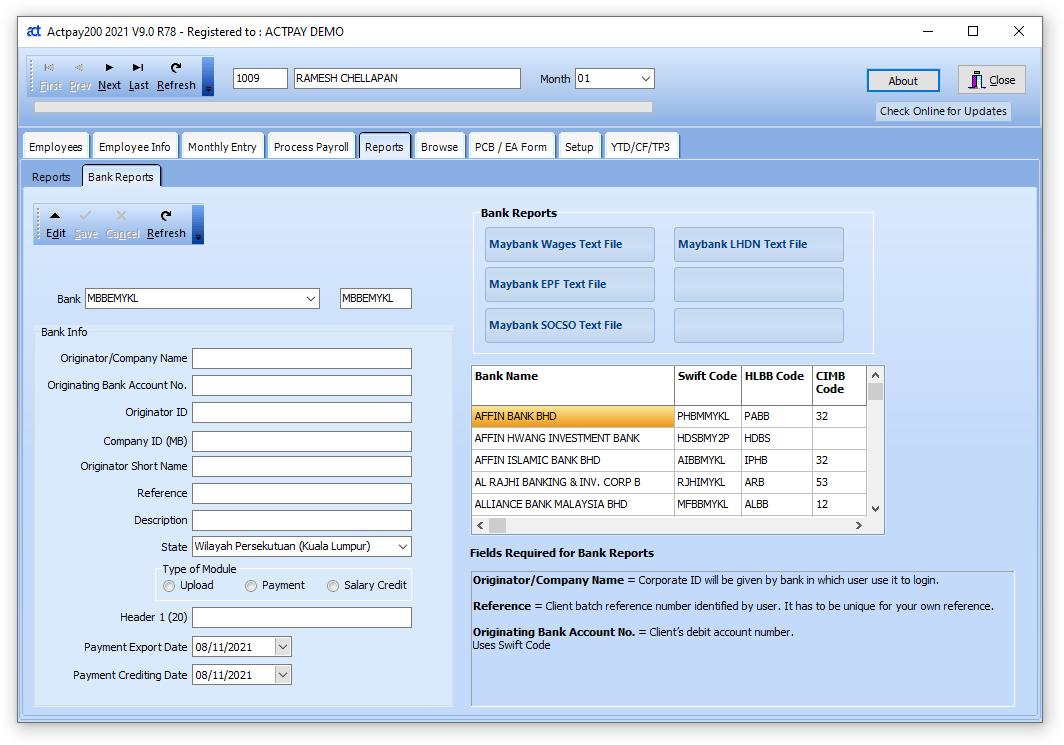
This screen is used for generating text and Excel files for direct upload to banks. This feature will be updated from time to time with more and more banks.
Choose Bank
Edit and choose the bank that you wish to upload data to. Then next time you start the program, the reports available for the bank will be displayed.
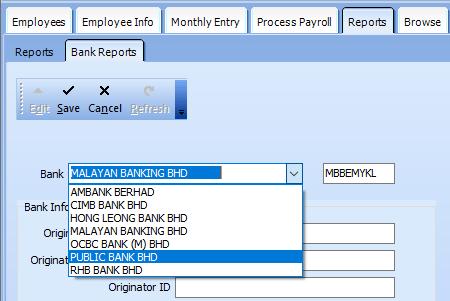
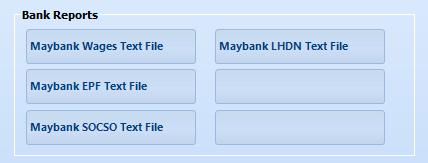
Different Banks will have a different number of reports available. If the bank you use is not available please contact Actpay and will design the report for you.
Bank Fields
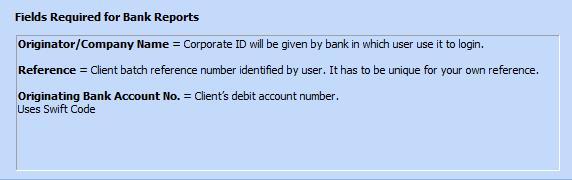
Different banks require different fields to properly generate the reports. Many of the banks do not require any Special Files.
The instructions for each bank will be stated here. Edit and Fill in the fields as required.
There are also many banks that do not require any fields.
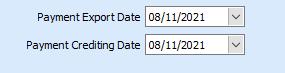
Most Banks also require the file export date and the crediting date. Please set the date as required for all bank reports.
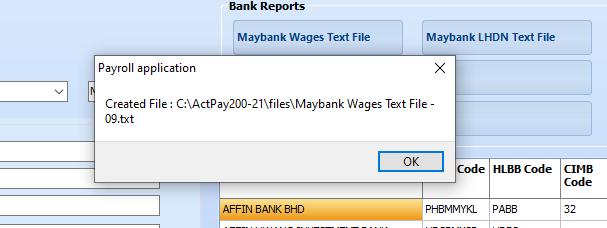
On generating report message will show location of exported file.